Upskilling Researchers in Machine Learning
Tuesday, October 17, 2023
Who are we?
Maxime Rio

- Data Science Engineer @ NeSI
- Data Scientist @ NIWA
- Help researchers optimise and scale-up
their code - Develop ML pipelines and models
- Organise ML and data science training
Jens Brinkmann

- Senior eResearch Engagement Specialist @ UoA
- Mechanical Engineer with a background in Photography/Videography
- Support researchers with their computational needs and training around that
A shared goal
- Introduce researchers to Machine Learning and Deep Learning
- Start with foundational ML aspects and build up from there
- Research-field agnostic
- Hands-on approach (teaching by doing)
- no show and tell of existing commercial solutions
- no theoretical lectures
- no deep dive into the maths behind ML
- Not an exhaustive course but make attendees confident to try things by themselves

Figure 1: AI Created Photo (DallE3, Bing).
UoA workshops
- Audience: The University of Auckland (UoA) researchers
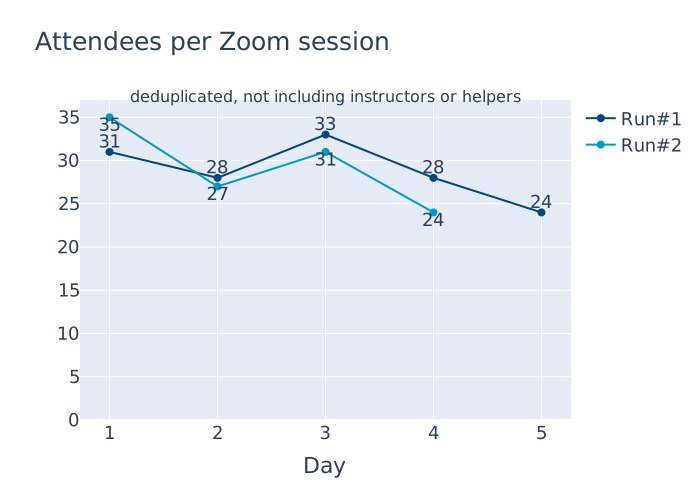
- Two runs
- Run #1: March 2023
- Run #2: September 2023
- Well-received
- filtering by mandatory Expression of Interest (EoI)
- about 100 applications for 40 spots
NeSI workshops
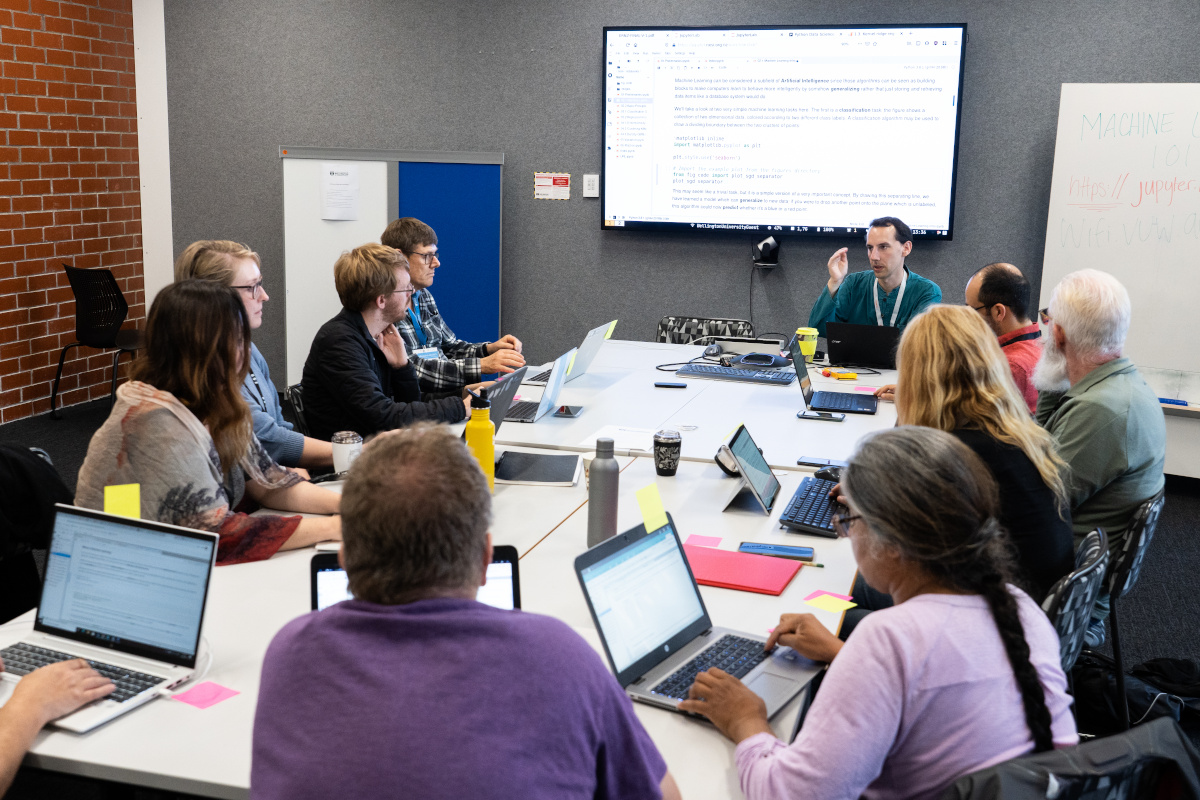 First ML101 workshop at eResearch NZ 2021
- Audience: Aotearoa – NZ researchers
- ML 101
- Intro to Machine Learning
- started in 2021
- 7 workshops (in person, online)
- 127 attendees in total (from 10 to 32)
- ML 102
- Intro to Deep Learning (CNNs)
- started in 2022
- 2 workshops (online)
- 44 attendees in total (20 and 24)
- Mixture of direct registration and EoIs
UoA workshops
- online only event: Zoom.us
- BYOD (bring your own device)
- major deviation from The Carpentries: No local Python installs
- Goolge Colab
![Colab]() ,a browser-based Jupyter Notebook using Google infrastructure (a virtual machine; a GPU can be added)
,a browser-based Jupyter Notebook using Google infrastructure (a virtual machine; a GPU can be added)
 ,a browser-based Jupyter Notebook using Google infrastructure (a virtual machine; a GPU can be added)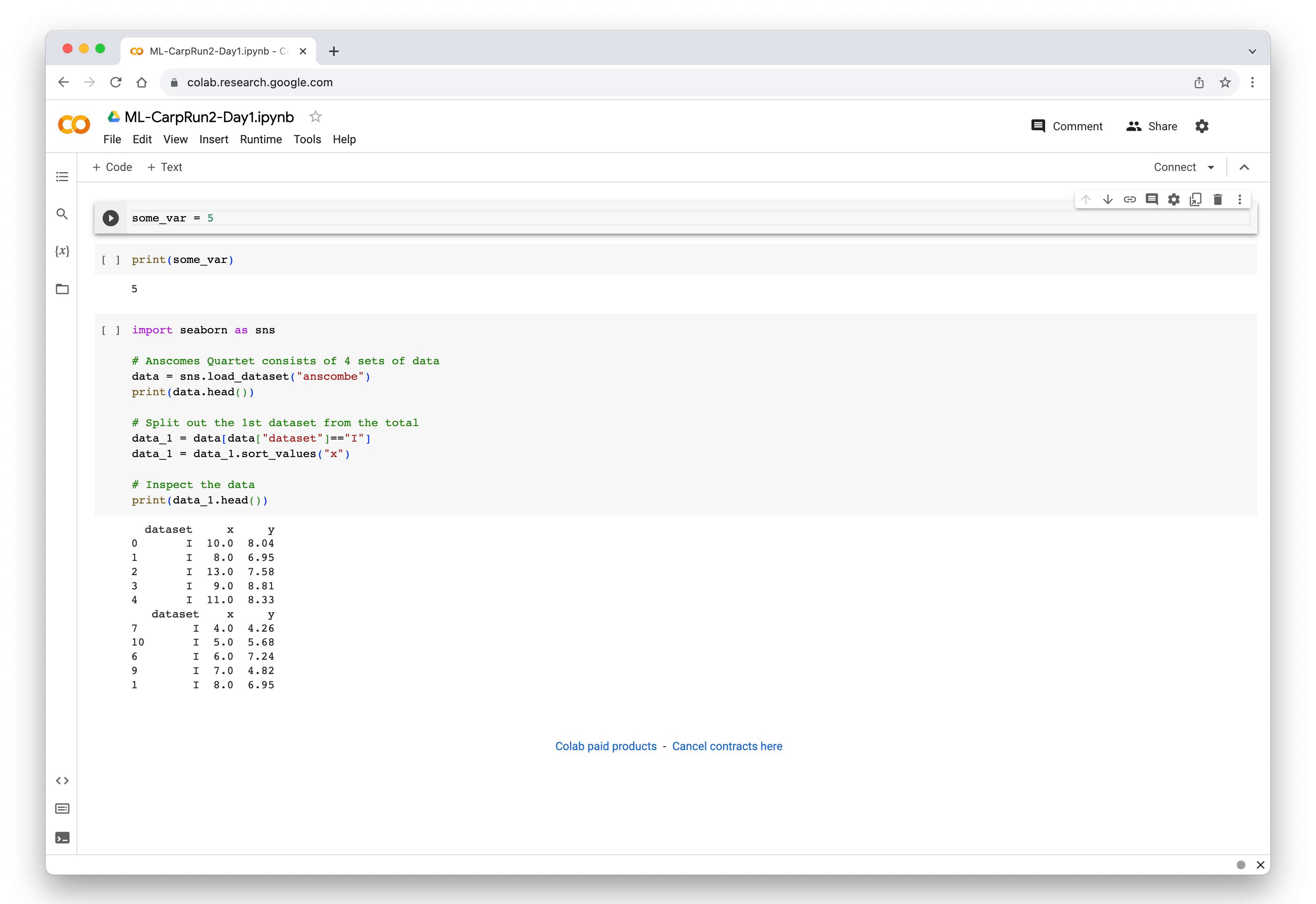
NeSI workshops
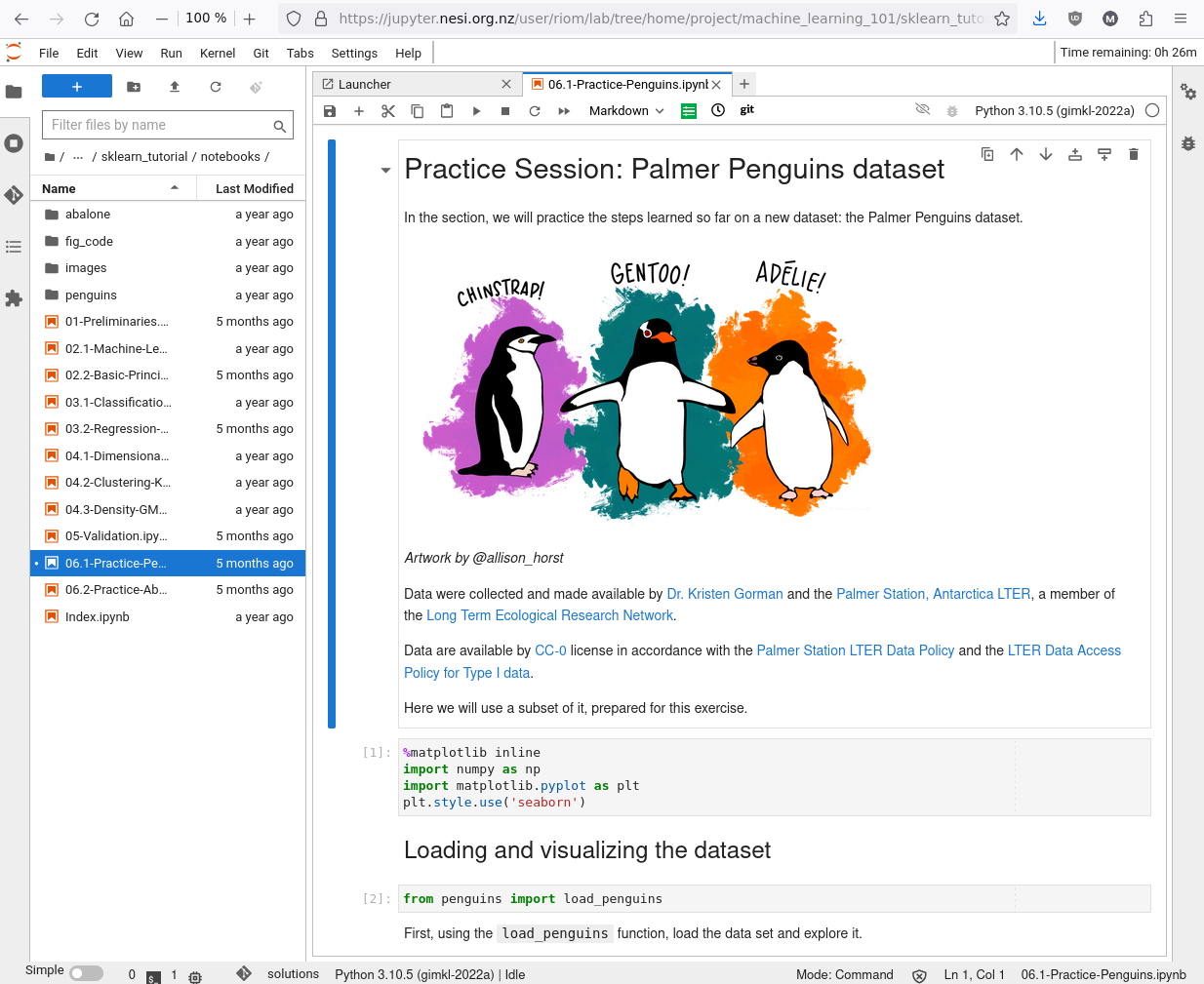 JupyterLab session running on Jupyter-on-NeSI
- Online and in person
- 2 delivered in person (1 had wifi issues 😓)
- 5 delivered online
- Use Jupyter-on-NeSI
- JupyterHub platform
- Requires a NeSI account
- ML101: 2 cores & 4 GB of RAM
- ML102: 4 cores & 8 GB of RAM
- Use Slurm-based job for GPU training (a little bit)
- Tip: make sure the Platform team does not schedule upgrades that day 😬…
NeSI workshops
- ML 101
- 6 hours with 3 breaks ☕
- at first in one day
- now split over 2 mornings
- ML 102
- 3 hours with 2 breaks 🍵
- Independent workshops
- But organised “close” to each other
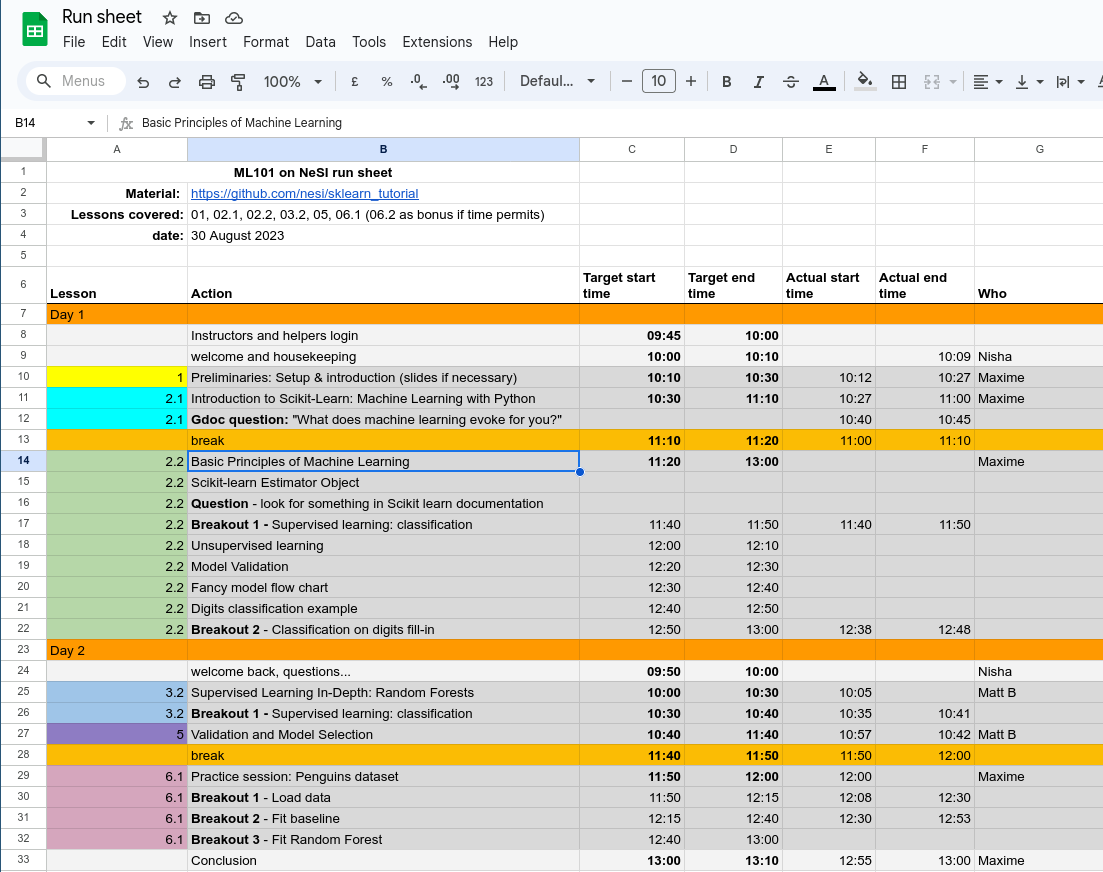 ML101 runsheet, used to keep track of time
UoA workshops
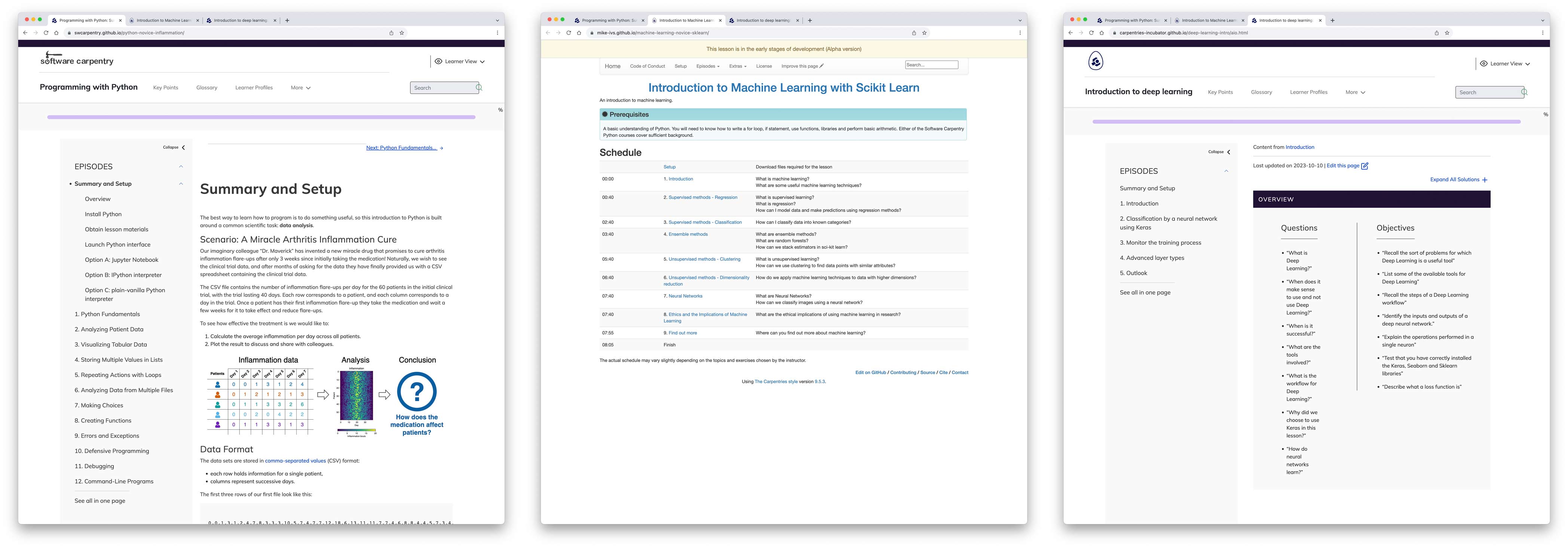
| Lesson Title | Status | Run #1 | Run #2 | |
|---|---|---|---|---|
| Programming with Python | Released | Mon, Tue | - | |
| Introduction to Machine Learning with Scikit Learn | Alpha | Wed | Mon, Tue | |
| Introduction to Deep Learning | Beta | Thu, Fri | Wed, Thu |
NeSI workshops
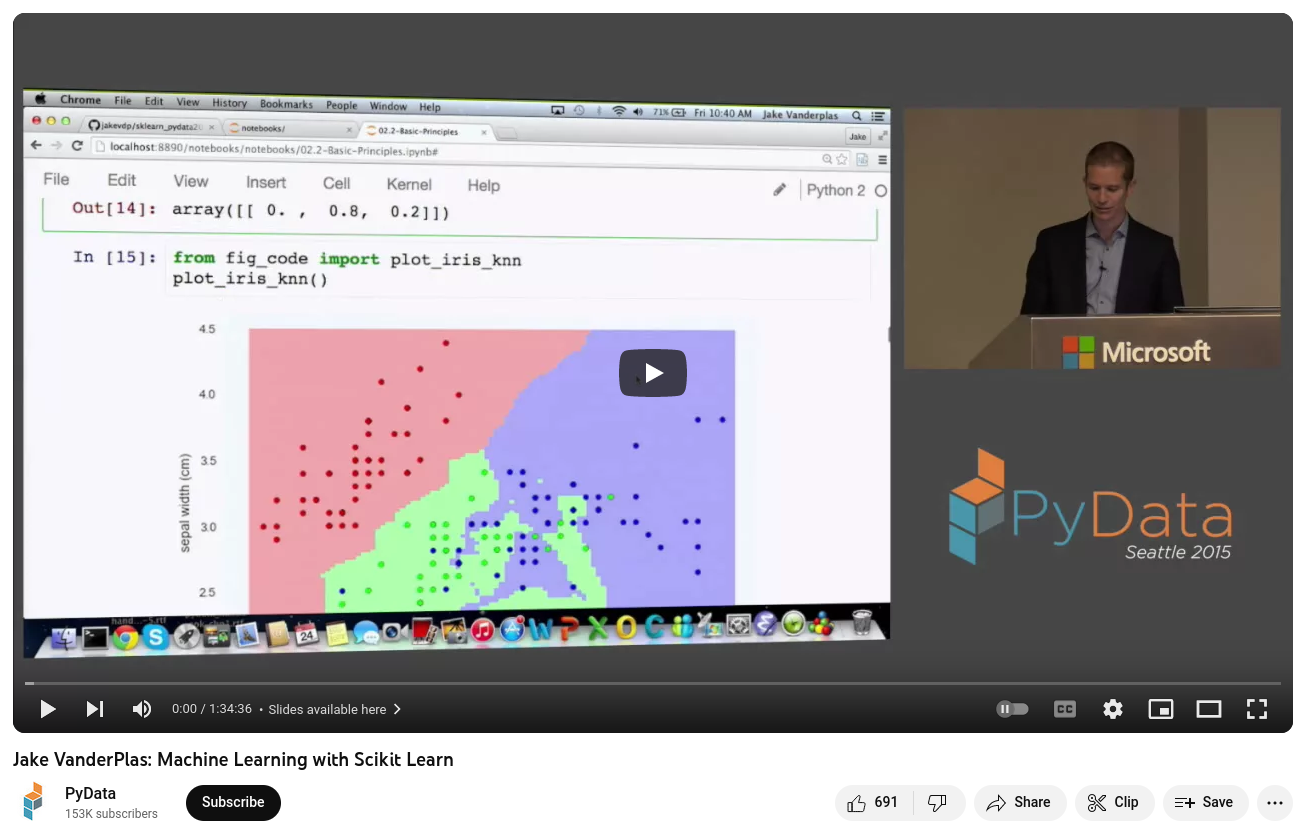 My rehearsal and source of inspiration 💓
NeSI workshops
- ML 101 – github.com/nesi/sklearn_tutorial
- Scikit-learn Tutorial by Jake Vanderplas
- online recordings exist
(very good to rehearse!) - Jupyter Notebook based
- very few changes (updated package version)
- ML 102 – github.com/nesi/ml102_workshop
- TensorFlow tutorials
- Jupyter Notebook based
- added an introduction
- added section to submit a Slurm job
How to get in touch
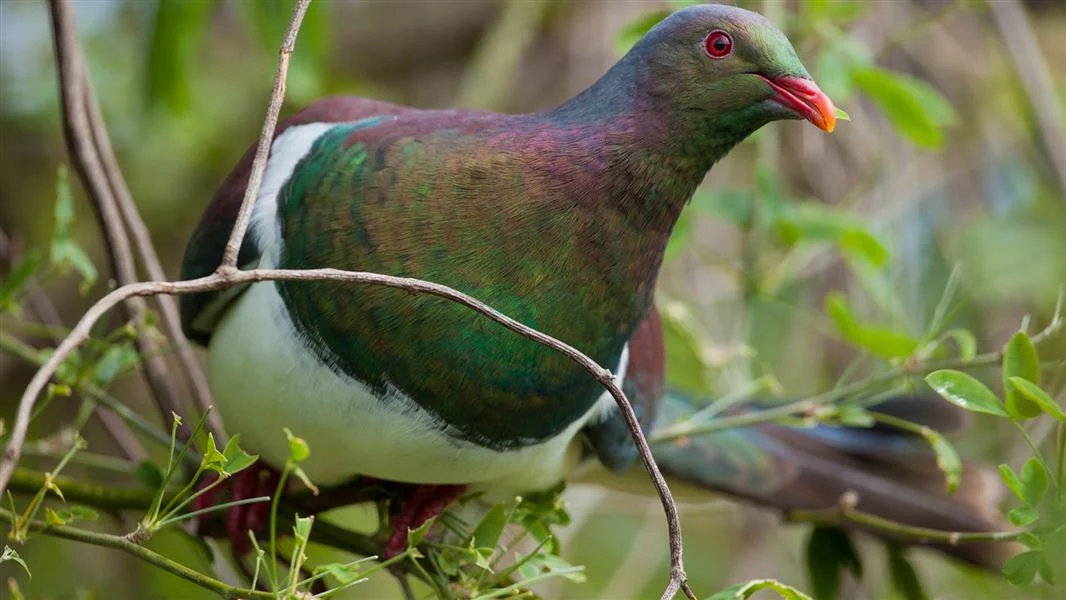 Kererū / New Zealand pigeon, not use(ful) for mails 😅 Image Credit: Department of Conservation
Maxime Rio
📨 maxime.rio@nesi.org.nz
Jens Brinkmann
📨 j.brinkmann@auckland.ac.nz

Upskilling Researchers in Machine Learning